From repo to URL
Pick a Git repository or a container image, choose a server, and get a healthy HTTPS address. Conventional builds need no YAML and no Dockerfile — and when a build isn't supported, Orbit says so instead of pretending.
THE ONE THAT KEEPS EVERYTHING IN ORBIT
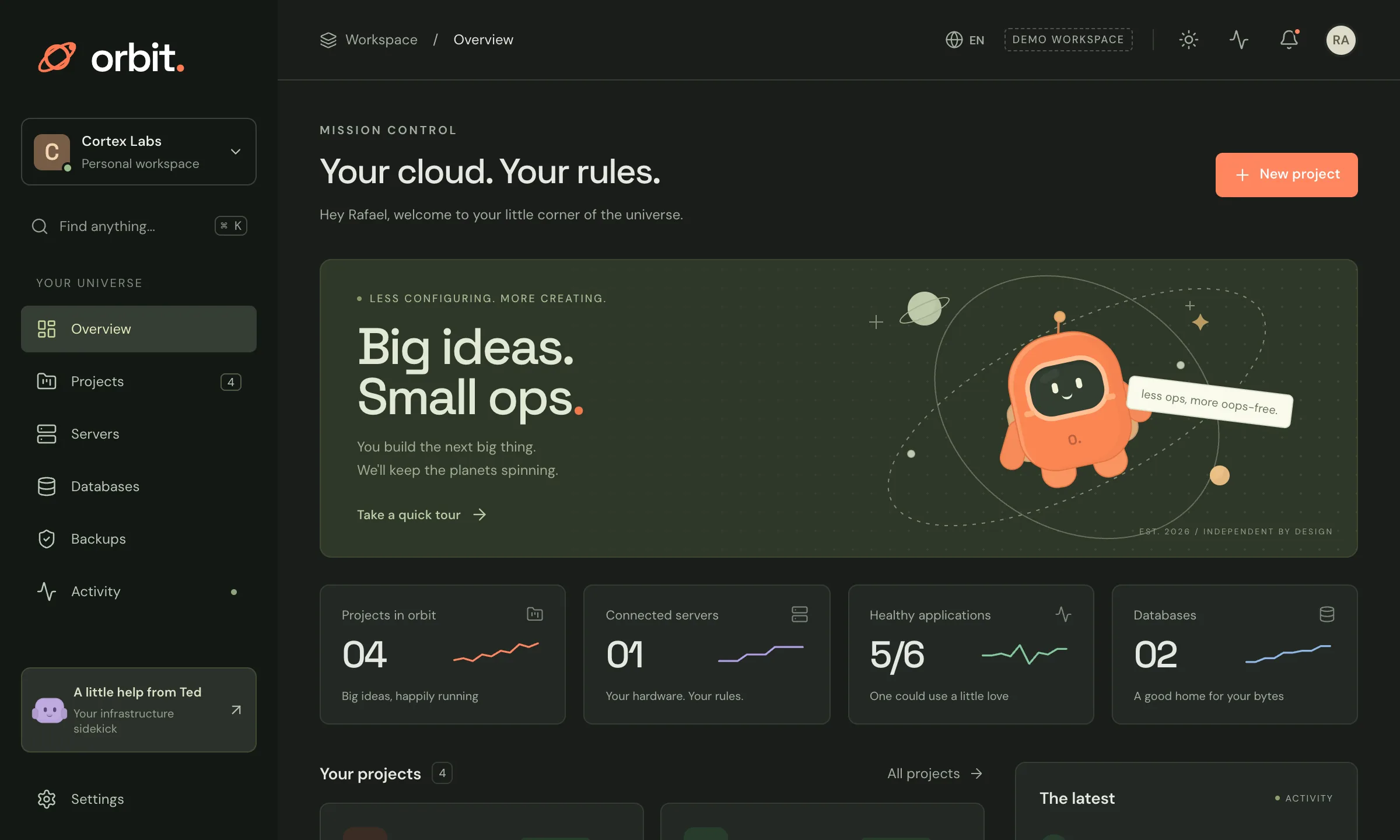
A friendly console that turns the servers you already pay for into your own little cloud — deploy from Git, run your databases, keep backups you can actually restore.
curl -fsSL https://github.com/getcortexlabs/orbit-releases/releases/latest/download/install.sh | sudo sh Read the install guide
Mission control for the servers you already pay for.
houston, we have a healthy deploy.
01 / MORE THAN A PRETTY ICON
6 ways to make your day easier.
Yes, we got a little carried away.
Pick a Git repository or a container image, choose a server, and get a healthy HTTPS address. Conventional builds need no YAML and no Dockerfile — and when a build isn't supported, Orbit says so instead of pretending.
An accepted command is never reported as finished. Every deploy walks through its real steps — build, publish, schedule, routing, DNS and TLS — and a timeout is never mistaken for success.
PostgreSQL and Redis live next to your app, with backups sent off the machine and verified by actually restoring them. A successful upload alone isn't a backup.
Go on. Open one.
Every version is kept. Roll back to any of them after a review that says plainly what won't be undone — data and migrations stay exactly where they are.
If a server goes quiet, its apps aren't shown as healthy; if the numbers are old, they say so. Unknown is a real answer, not a green light.
Ask what needs attention and Ted answers from what the console already knows — capacity, health, backup coverage — and shows the evidence behind every line. It is a preview: fixed rules over your own data, no AI service connected, and Ted cannot change anything.
A closer look at what makes Orbit tick.
Orbit is a self-hosted infrastructure console with personality. Point it at a Linux server you already pay for and it becomes your own small cloud: deploy from a Git repository or a container image to a healthy HTTPS URL without writing YAML, run PostgreSQL and Redis next to your app, and keep backups that only count as verified after they have actually been restored. Logs, metrics, version history and rollback live in one calm console. It is honest by design — a command isn't done until it's done, an offline server never shows healthy apps, and stale data says it's stale. Ted joins the on-call as a preview, answering from what the console already knows and showing the evidence, without an AI service and without touching anything. One command on a fresh Ubuntu or Debian server installs the whole thing, and Orbit updates itself from the console.
02 / LET’S MAKE THIS OFFICIAL
A few practical details.
No awkward first-date questions.
THE COMPATIBILITY CHECK
For your own Linux servers.
Made to feel right at home.
YOUR NEXT FAVORITE TOOL IS RIGHT HERE.
Point it at a server you already pay for and you have somewhere to deploy in minutes. The full guide is at orbit.getcortexlabs.com.
curl -fsSL https://github.com/getcortexlabs/orbit-releases/releases/latest/download/install.sh | sudo sh Read the install guide